There are a few different ways to find and download your tax invoices, depending on your plan.
For Paypa Plane:
Go to 'Reports' tab > 'Add New' > 'Settlements'.
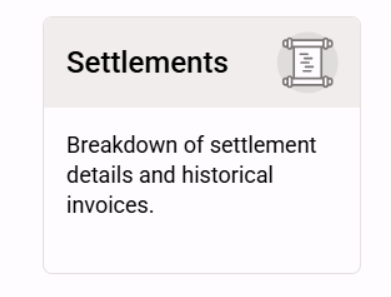
Enter the date range that you require and then you will be able to download your invoices in either pdf or xlsx.
For Billycart:
Go to "Account' tab > 'Plan' > 'Payment History'. You will be able to download your invoice as a pdf.
If you require further assistance, please contact our helpdesk.
Was this article helpful?
That’s Great!
Thank you for your feedback
Sorry! We couldn't be helpful
Thank you for your feedback
Feedback sent
We appreciate your effort and will try to fix the article