This page provides convenient access to manage your business portal account. You can set up and update your account information, including tasks such as uploading your logo, adding, or editing users, adjusting support hours, customising outbound messages, and seamlessly integrating with other software services.
The Overview shows:
- Merchant information
- User information
- Lists all current Users, their status and when they last logged in to the system. There is also a quick link to add New Users

- Lists all current Users, their status and when they last logged in to the system. There is also a quick link to add New Users
- Payment Modules
- Brand information
Plan
BPAY Biller Files
T&Cs
Shows any Terms and Conditions created with your Customers
Integrations
Shows information associated with the API integrations.
Users
Shows all Users information associated with your account.
- User Name
- Status
- Groups that they are associated with
- Created By – who added the User to the system
- Last logged in
Settings
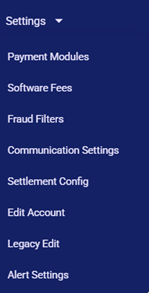
- Payment Modules

- Software Fees

- Fraud Filters
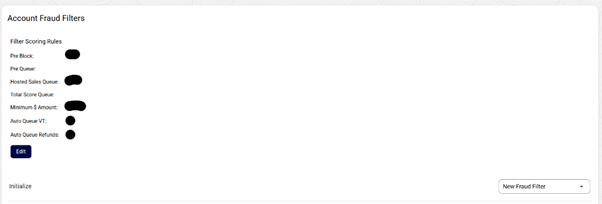
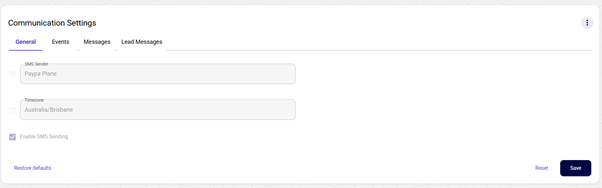
Communication Settings
- General shows the overview of who the company messages are sent from and the timezone from which they are sent.
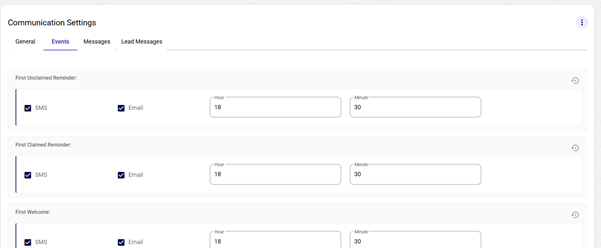
- Events shows how messages are sent to the customer, SMS or Email, and the time period that they will be sent.
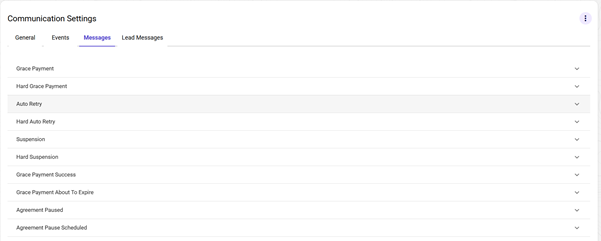
- Messages is the wording for messages sent to the customer for various purposes.
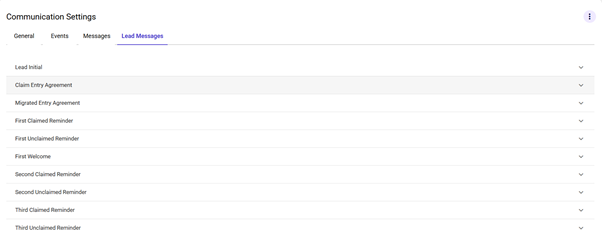
- Lead Messages shows the wording for initial and ongoing messages to your customers.
- Settlement Configurations

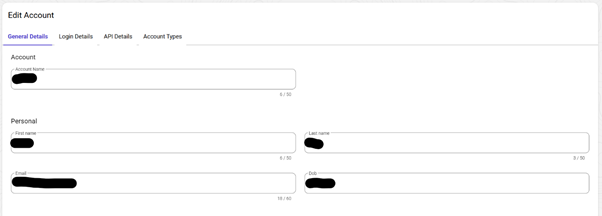
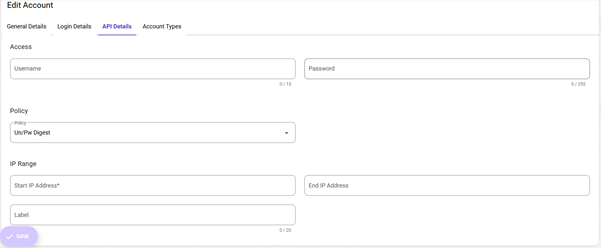
- Edit Account. You can update your Account details.
- General Details:
- Account Name
- Personal – Name and email address of the Account holder
- Location of business
- Contact details
- General Details:
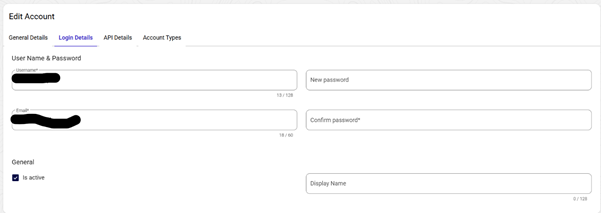
- Login Details is the login information of the account/admin holder.
- API Details
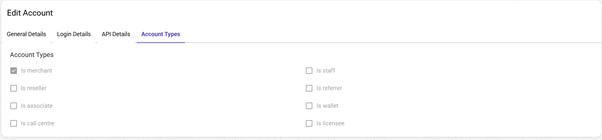
- Account Types is the allocation of the Admin level of the account holder/User.
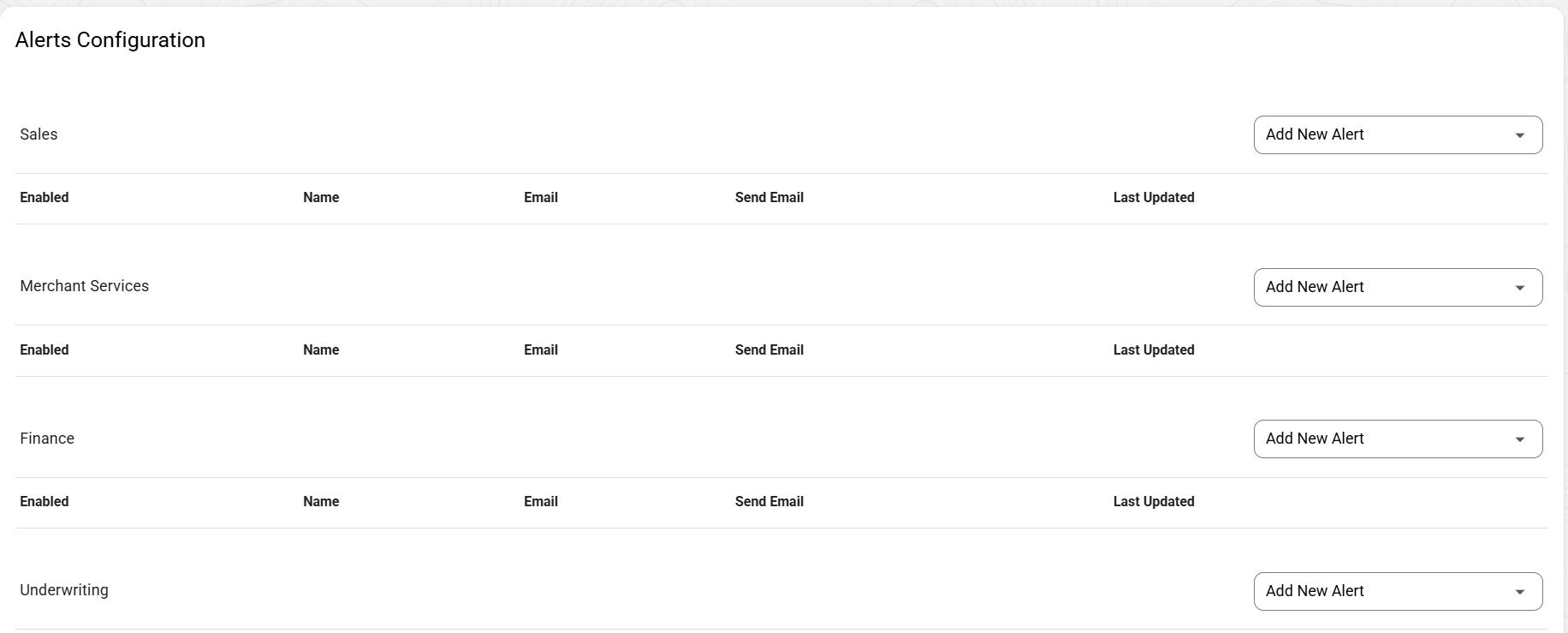
- Alerts Configuration
Was this article helpful?
That’s Great!
Thank you for your feedback
Sorry! We couldn't be helpful
Thank you for your feedback
Feedback sent
We appreciate your effort and will try to fix the article